Humble Beginnings
(AutoCAD)
Like most students, I entered the Digital Design Graphics Technology (DDGT) program unsure of what to expect. On my first day, I already had some prior knowledge of basic drafting and design. I understood scaling, most line types, and how to hand-draw basic parts. What really drew me in, however, was my curiosity about the digital side of drafting and design and how computers could transform the process. I quickly realized that digital drafting tools were far more versatile and efficient than traditional drafting equipment.
In the DDGT classroom, I learned the fundamentals of AutoCAD and the theory behind its use. I quickly grasped the concepts of drafting digitally, and with every assignment, AutoCAD began to feel more like a videogame than a drafting tool. Of course, once real projects requiring complete working drawing sheet sets were introduced, a whole new challenge emerged.
Between my first day in the program and those more advanced sheet set projects, I completed a variety of practice assignments that helped build my foundational skills. Below are a few examples of those projects, along with some of the concepts I learned along the way.
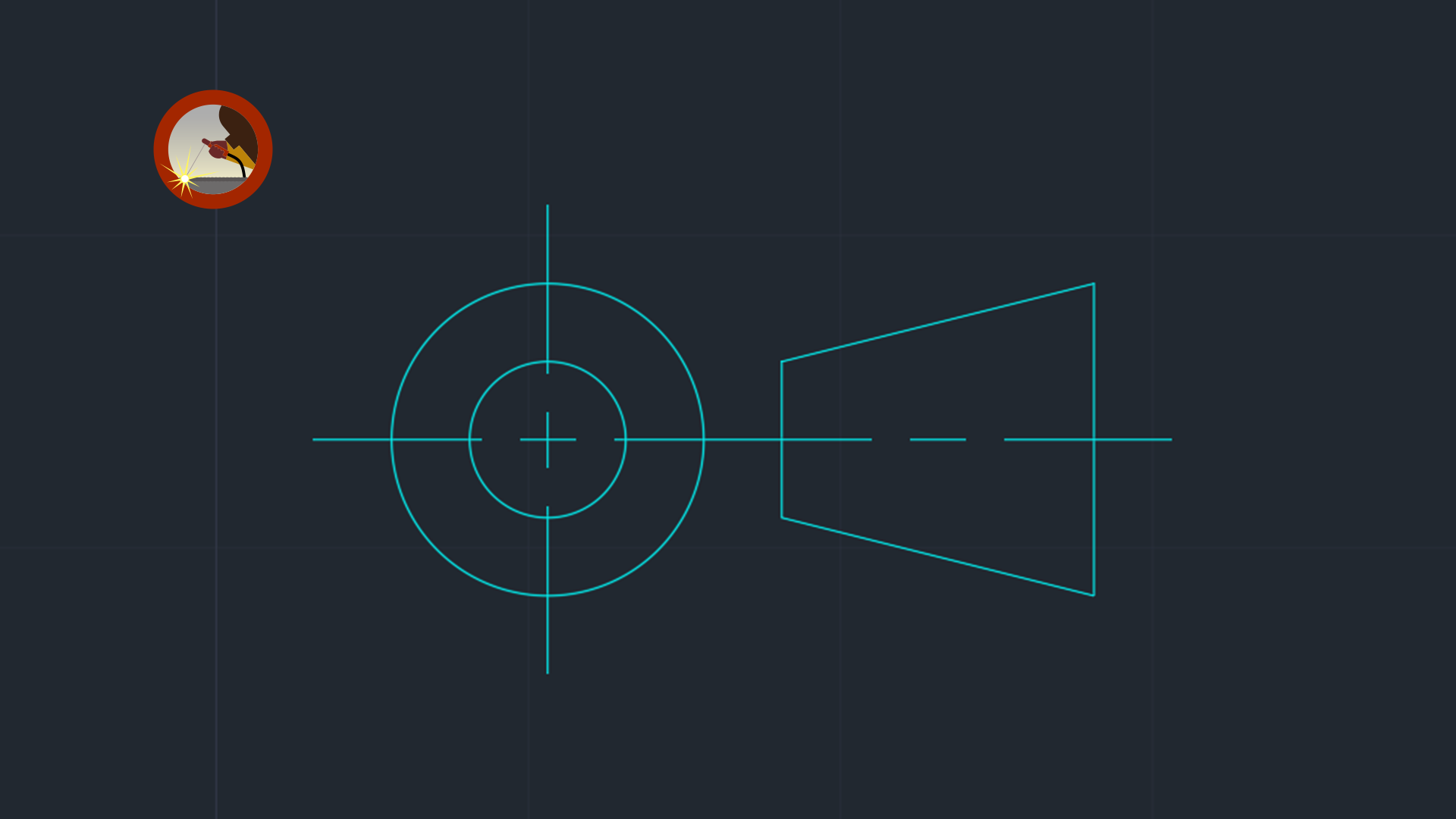
In the first row of assignments, you will find my Adjustable Fork Assignment, Carburetor Gasket Assignment, and 3rd Angle Projection Assignment. The Adjustable Fork was one of my first object-creation projects and taught me the basic use of lines, circles, and other core AutoCAD functions. The Carburetor Gasket assignment introduced symmetry and demonstrated how tools such as the Mirror command could improve efficiency and reduce drafting time. The 3rd Angle Projection assignment was a practical exercise that was later incorporated into my imperial drawing template. Feel free to click on the images for a better view.
|
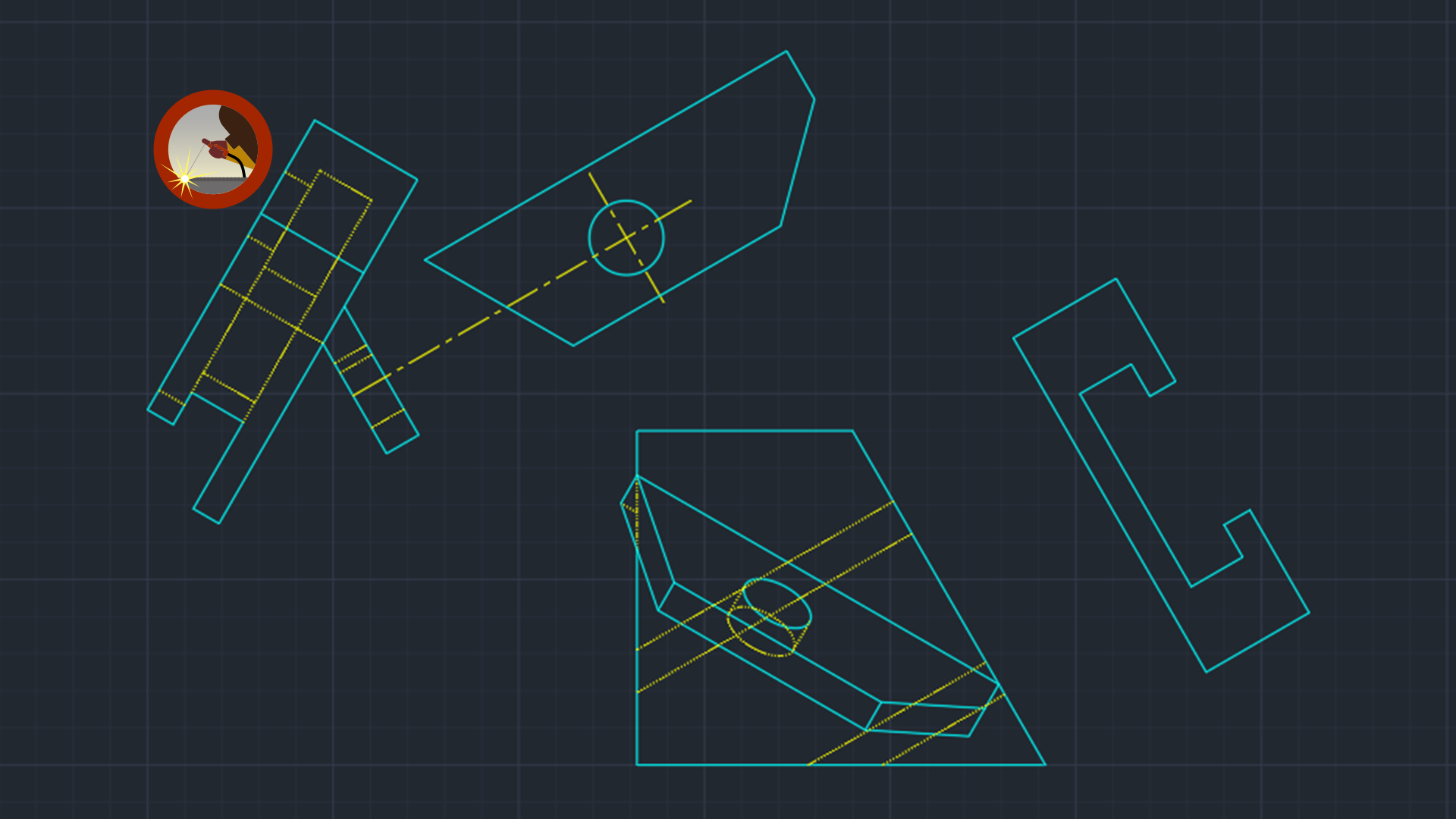
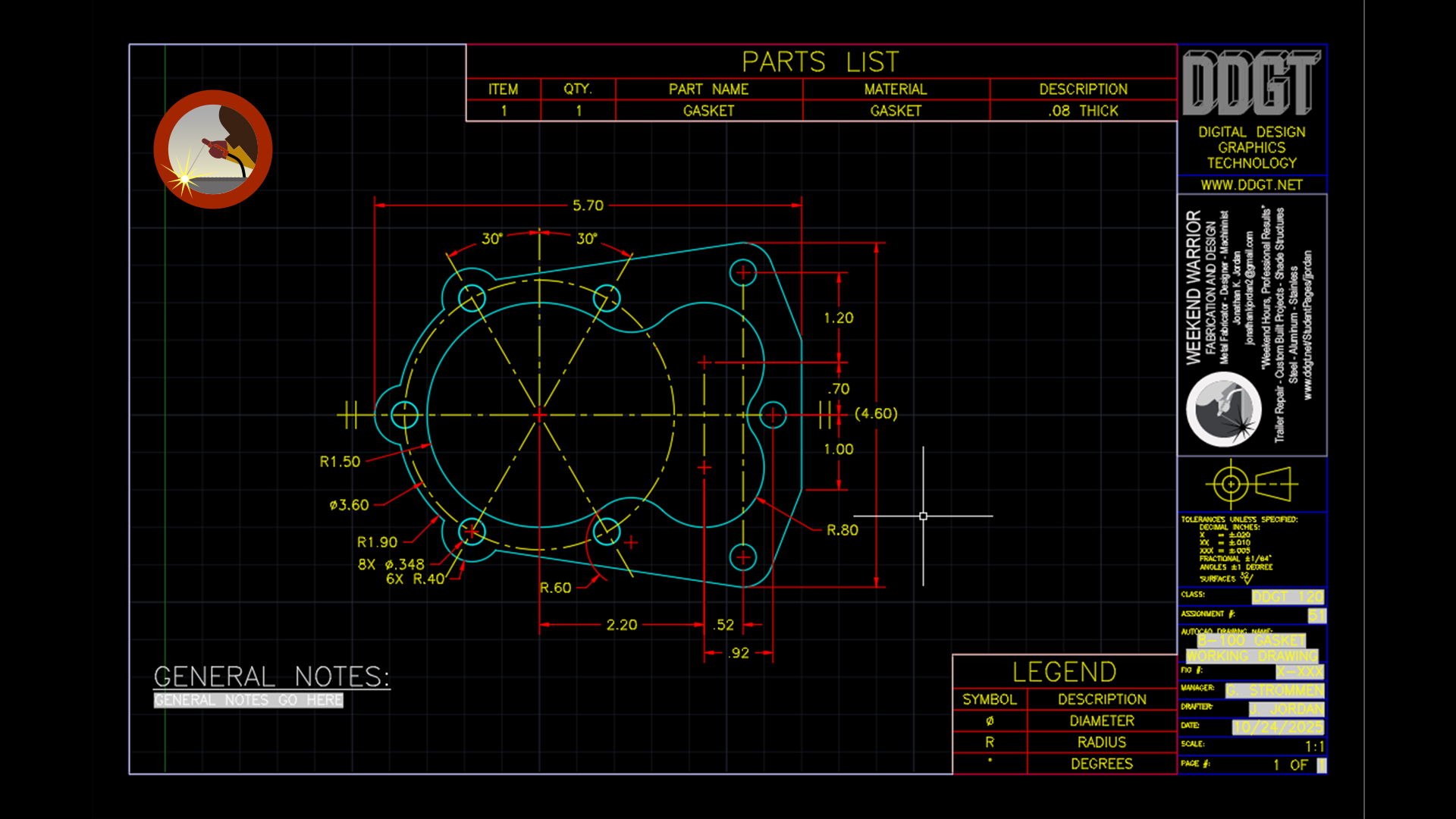
In the second row, you will see my Angle Bracket Assignment, Pivot Arm Assignment, and Gasket Working Drawing, which was my first complete working drawing assignment. These projects introduced more advanced concepts such as auxiliary views, dimensioning practices, and the use of drawing templates. The Angle Bracket assignment taught the fundamentals of auxiliary views and their practical applications in drafting. The Pivot Arm assignment, which was completed for extra credit, expanded on those concepts by incorporating both a primary and secondary auxiliary view. | ||